Product tour
A week in RotaFox, start to finish.
These are real screens from RotaFox, showing a fictional pub group, The Junction Group, and its team. Here’s how a manager gets from an empty week to approved hours, payroll and a look back at how it went.
01
Build the week
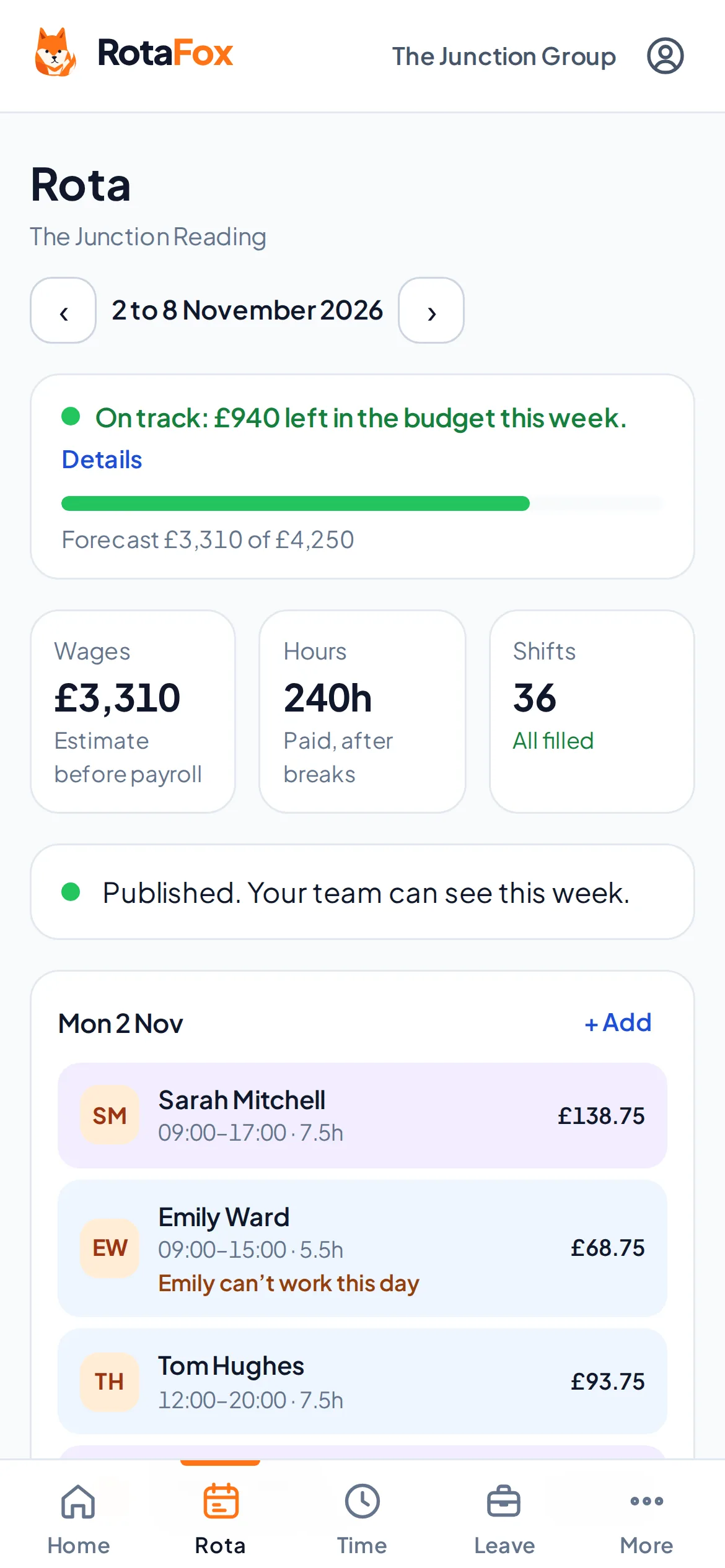
Add shifts for each day. RotaFox shows the budget bar, paid hours and open shifts as you go, and who’s on leave or unavailable while you choose.
More about rota scheduling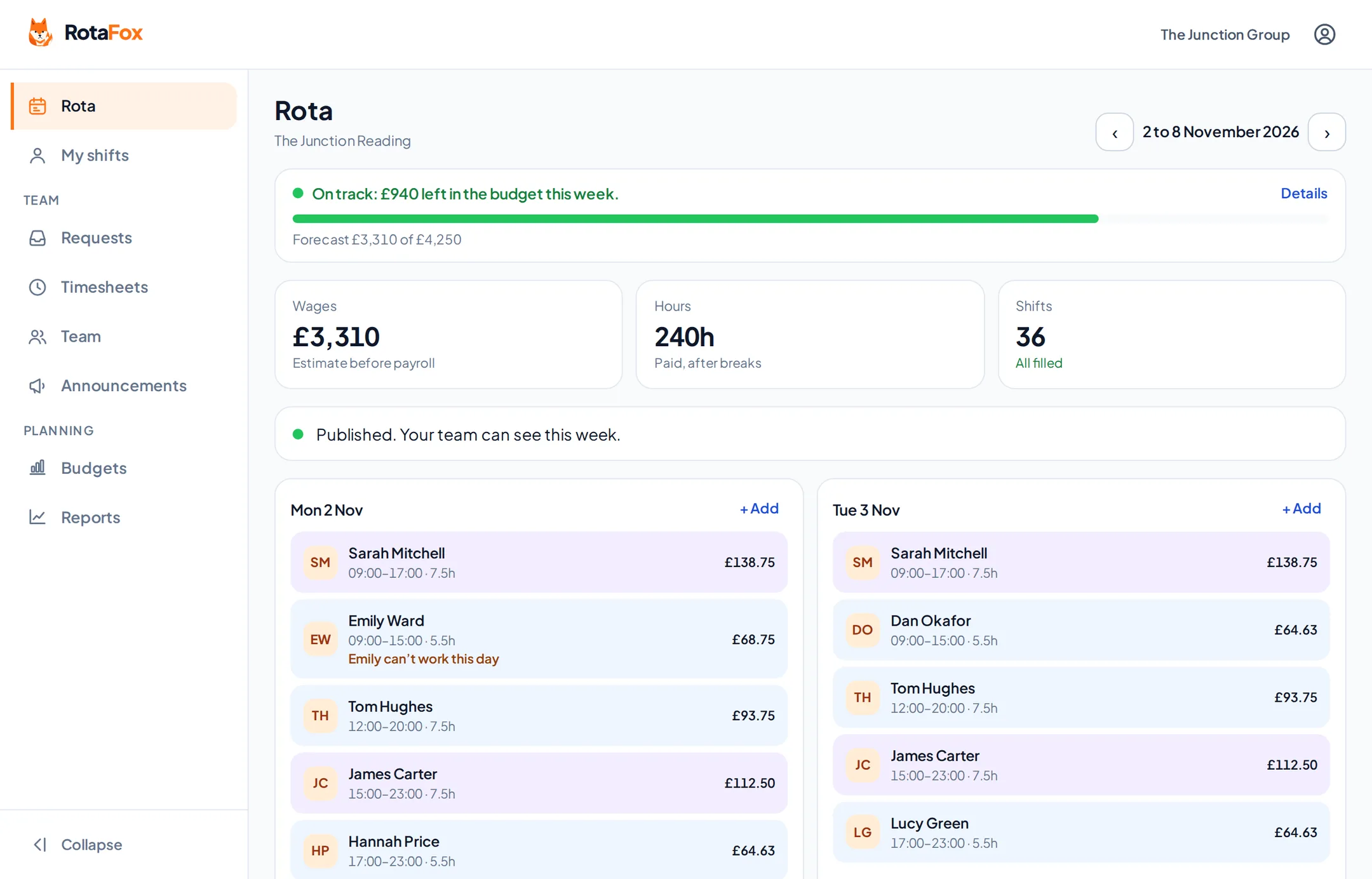
02
See what each change costs
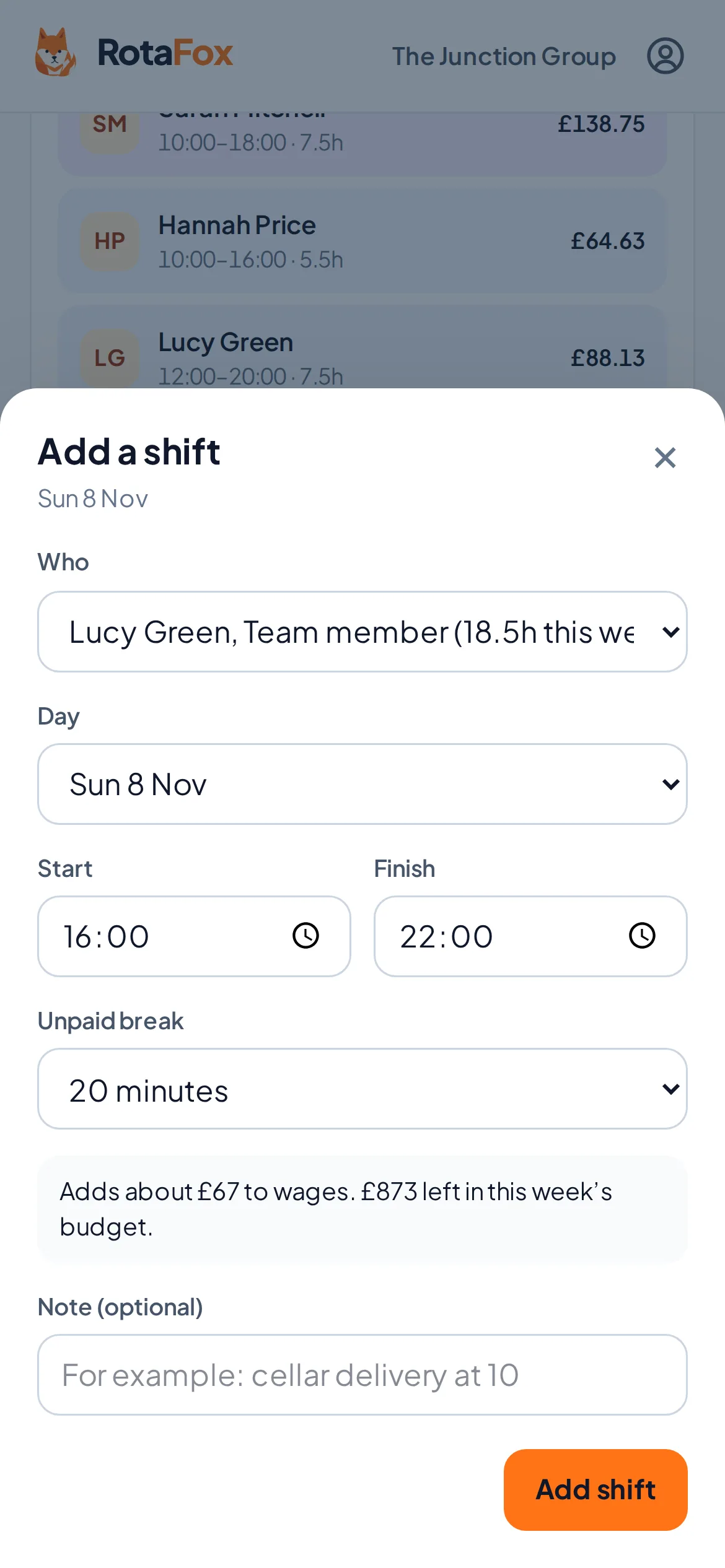
Open a shift and RotaFox tells you what it adds to wages and what’s left in the week’s budget.
More about labour costs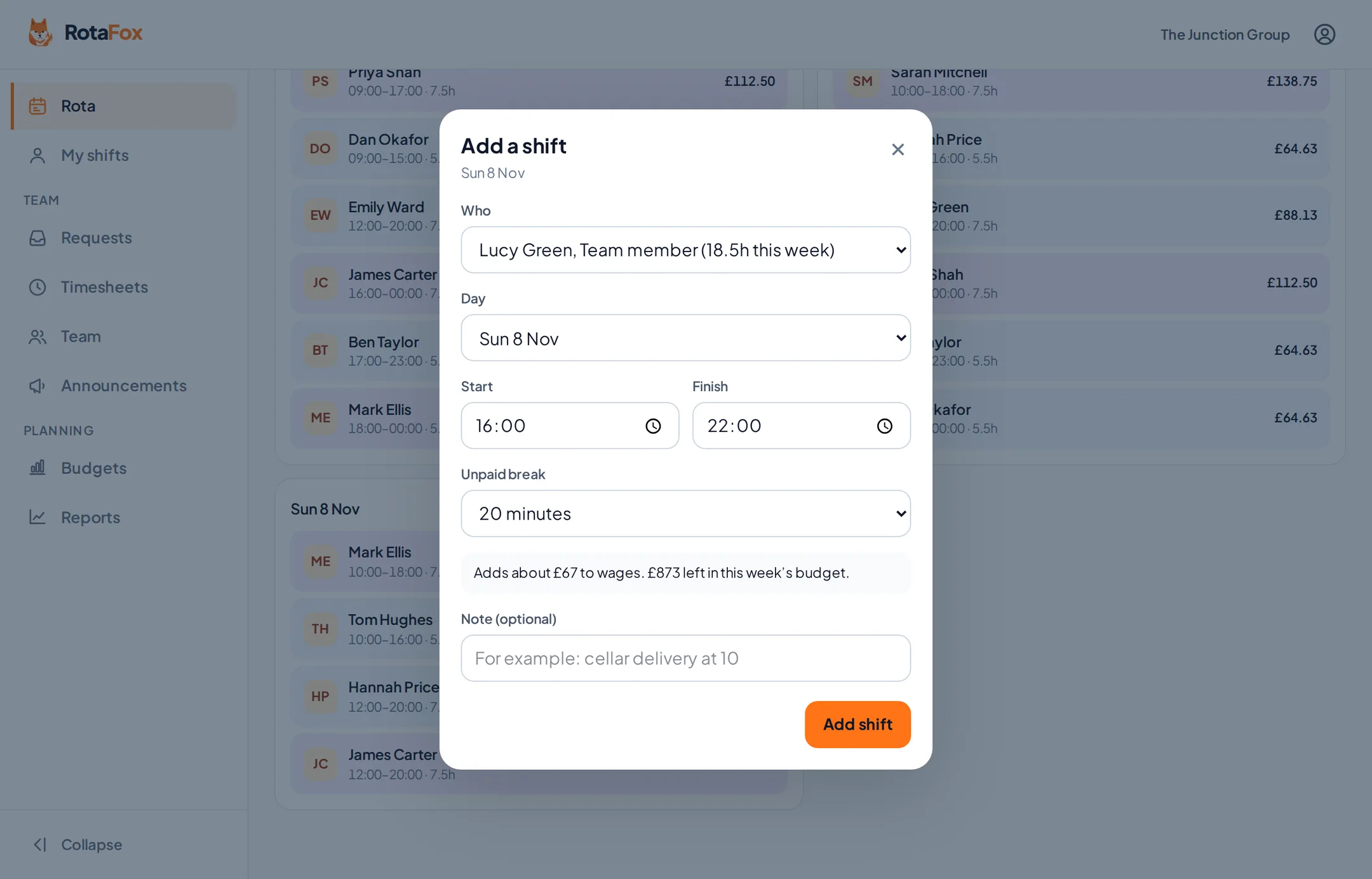
03
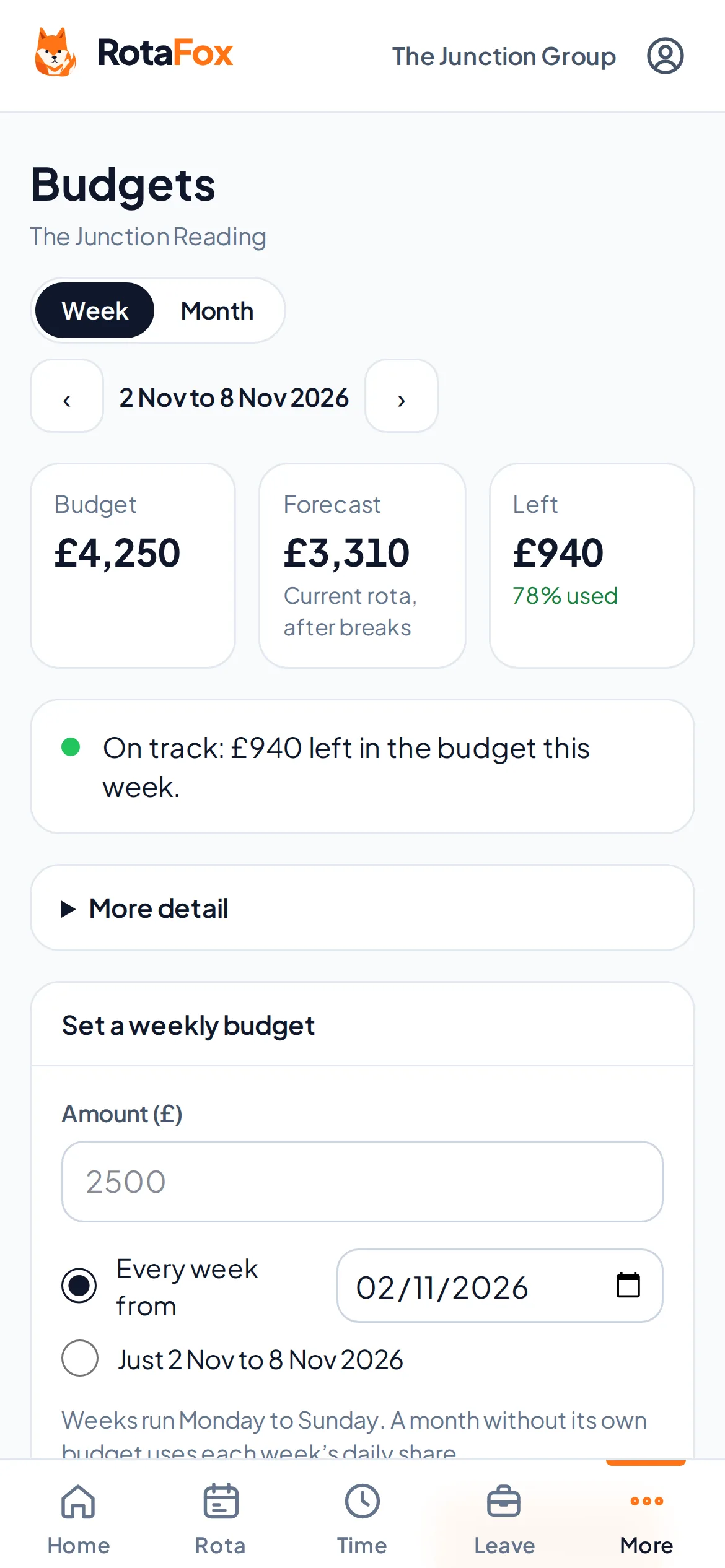
Check the week against the budget
The Budgets screen shows budget, planned and left, with the detail behind it: hours, hourly pay, salaries, last week and labour as a share of forecast sales.
More about labour budgets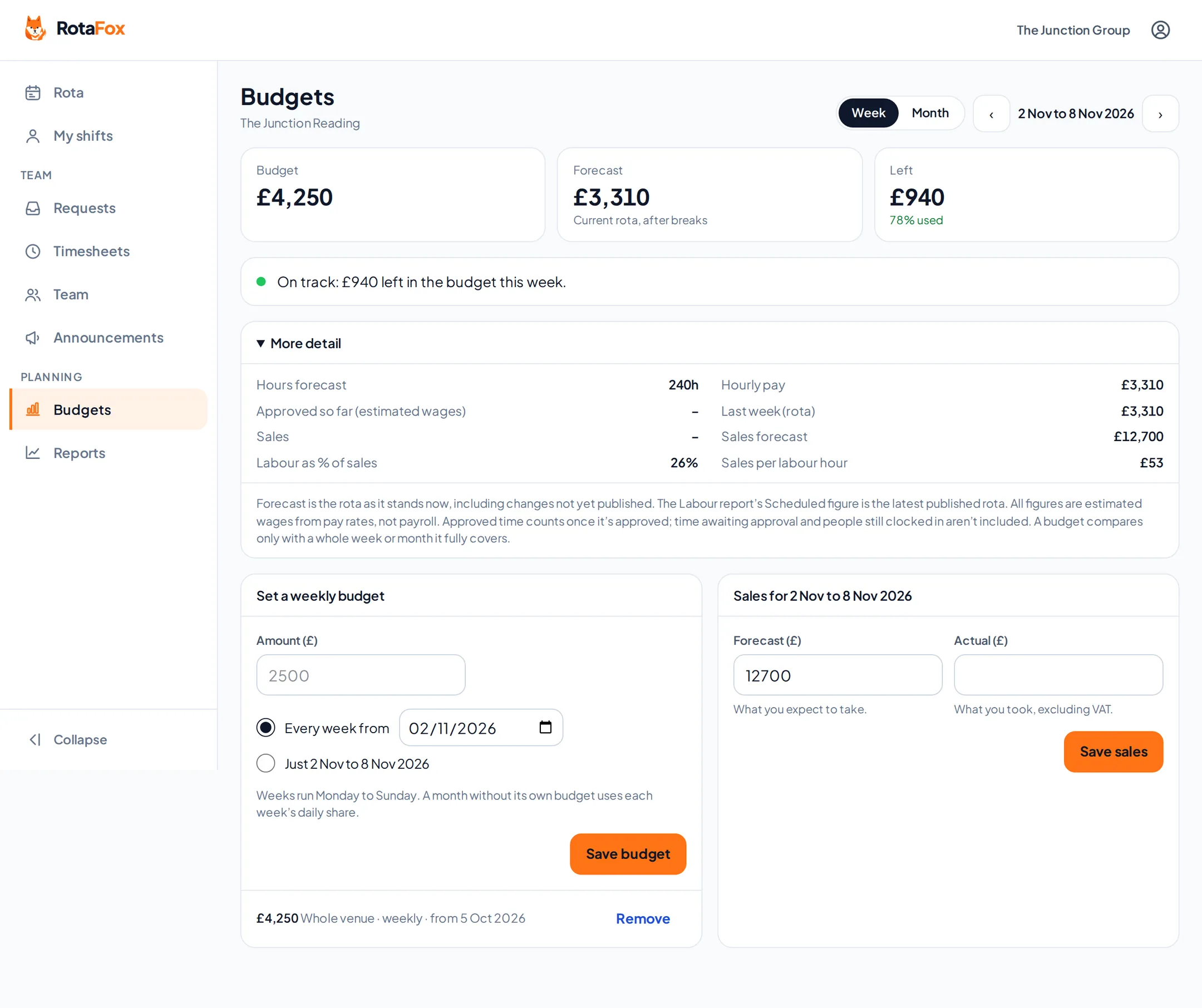
04
Publish, and your team can see it
Everyone sees their own shifts on their phone, can clock in, ask for holiday and say when they can’t work.
More about the staff app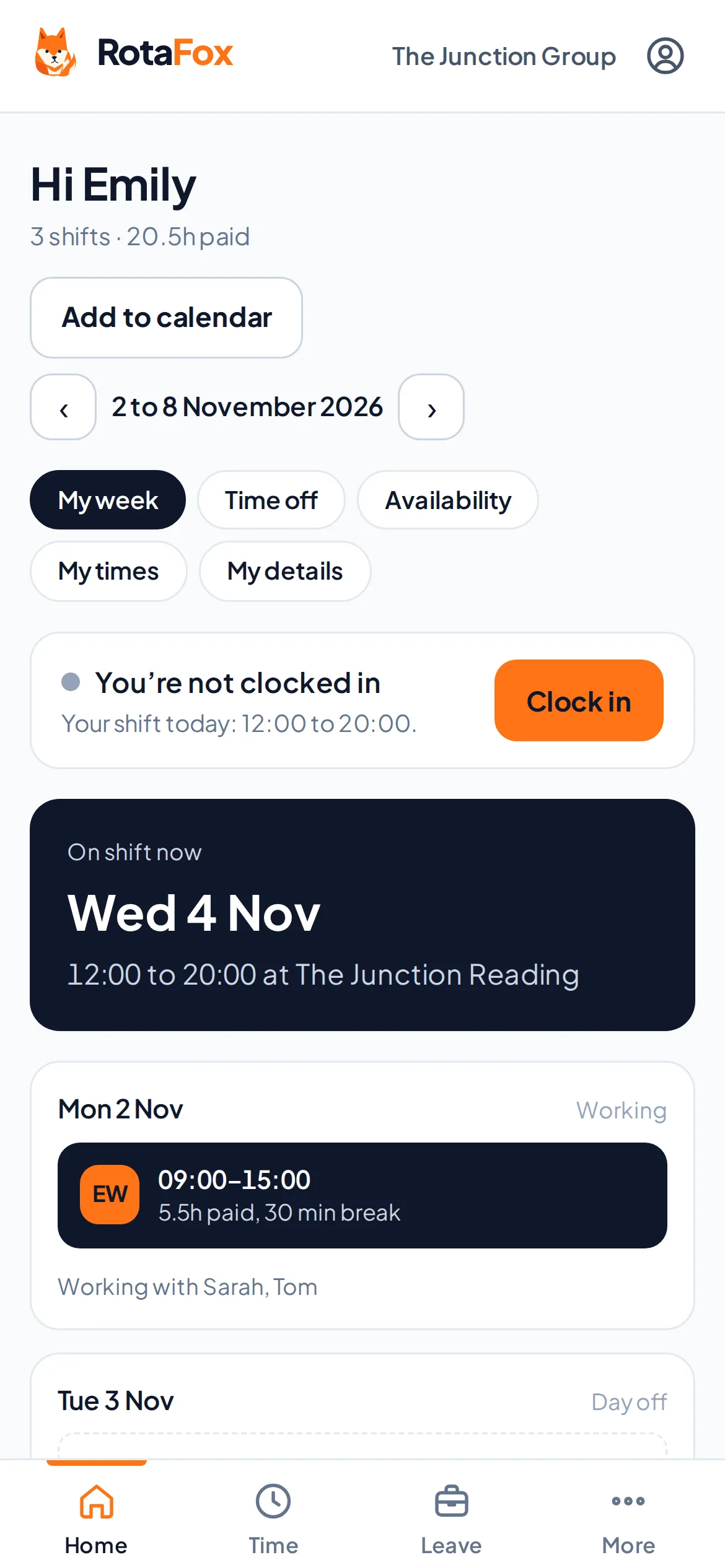
05
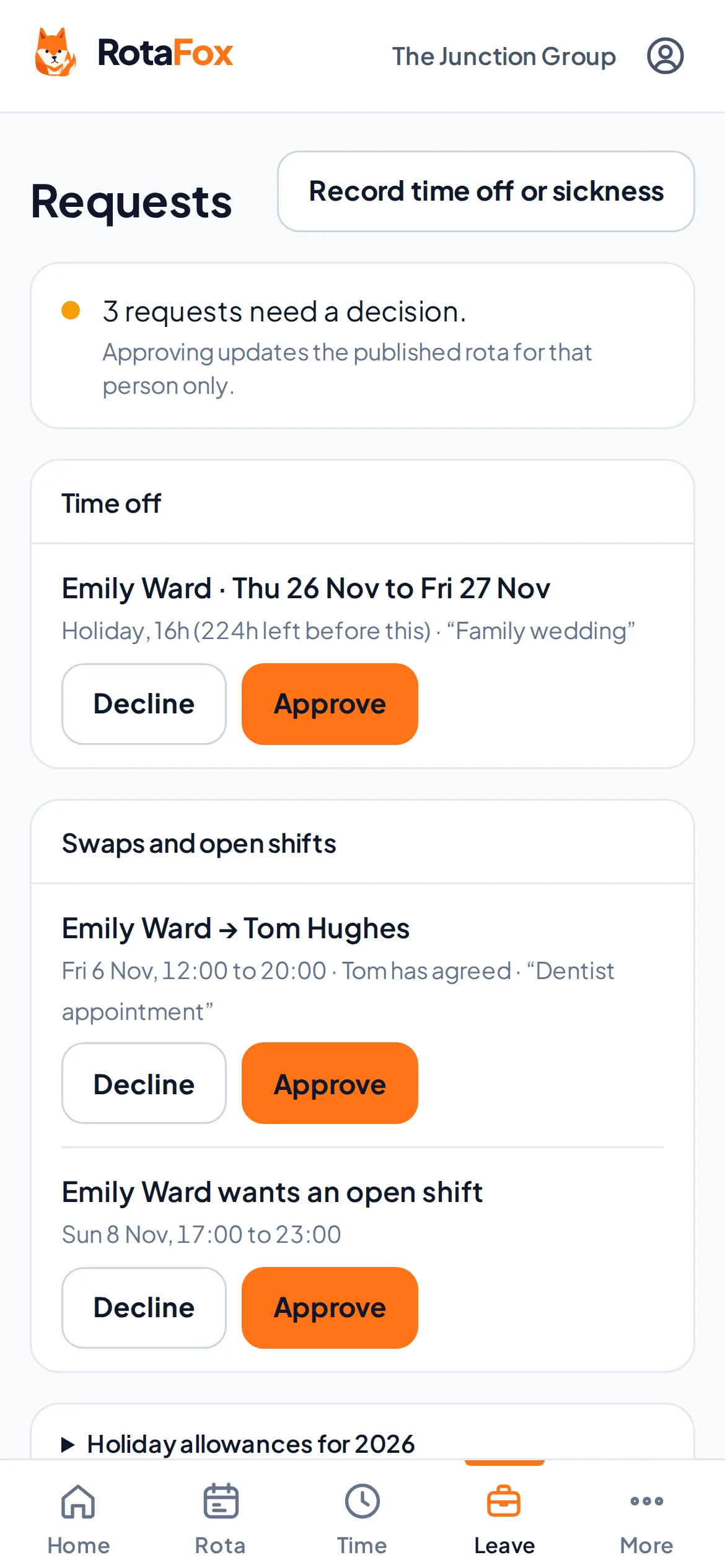
Approve requests in one place
Holiday, swaps and open shifts arrive in Requests. A swap reaches you once the colleague has agreed, and leave and clashes are checked again before anything changes.
More about swaps and open shifts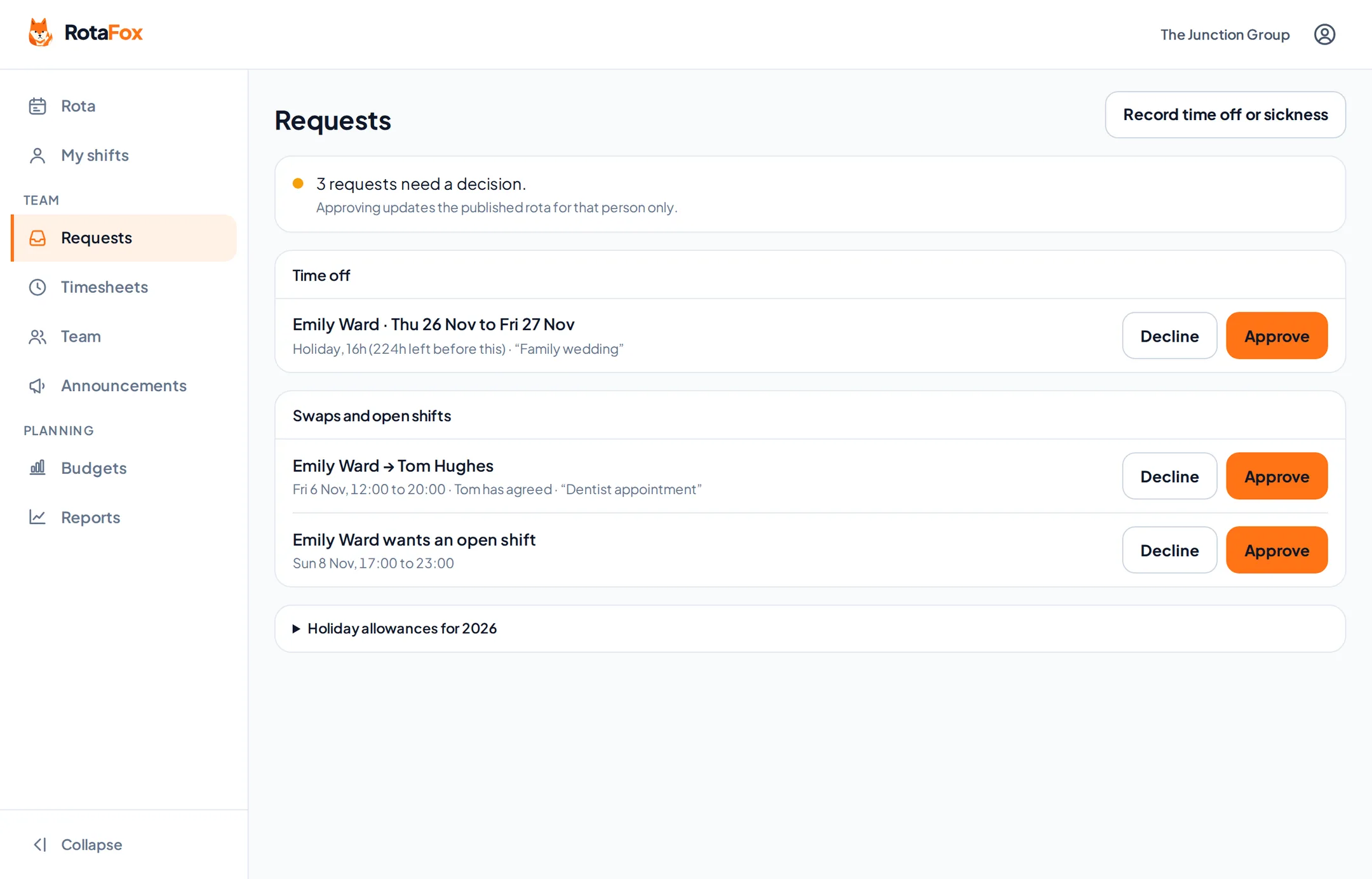
06
Sign off the hours
Timesheets show what was planned and what was worked. Fix mistakes with a reason that stays on record, then approve.
More about clocking in and timesheets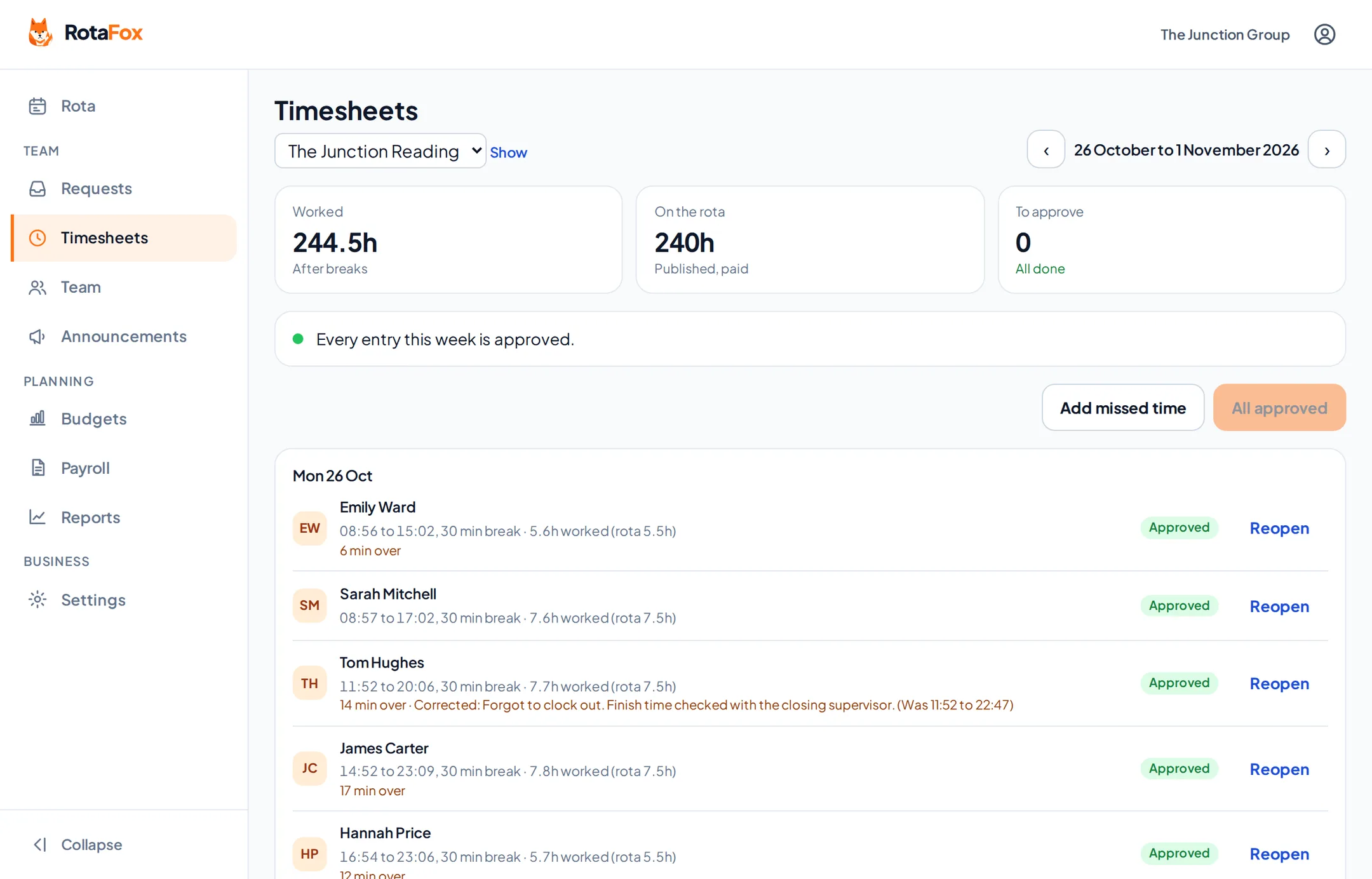
07
Finalise payroll
When every hour in the period is approved, finalise it. The times are locked and you download a CSV of approved hours per person for your payroll software.
More about timesheets to payroll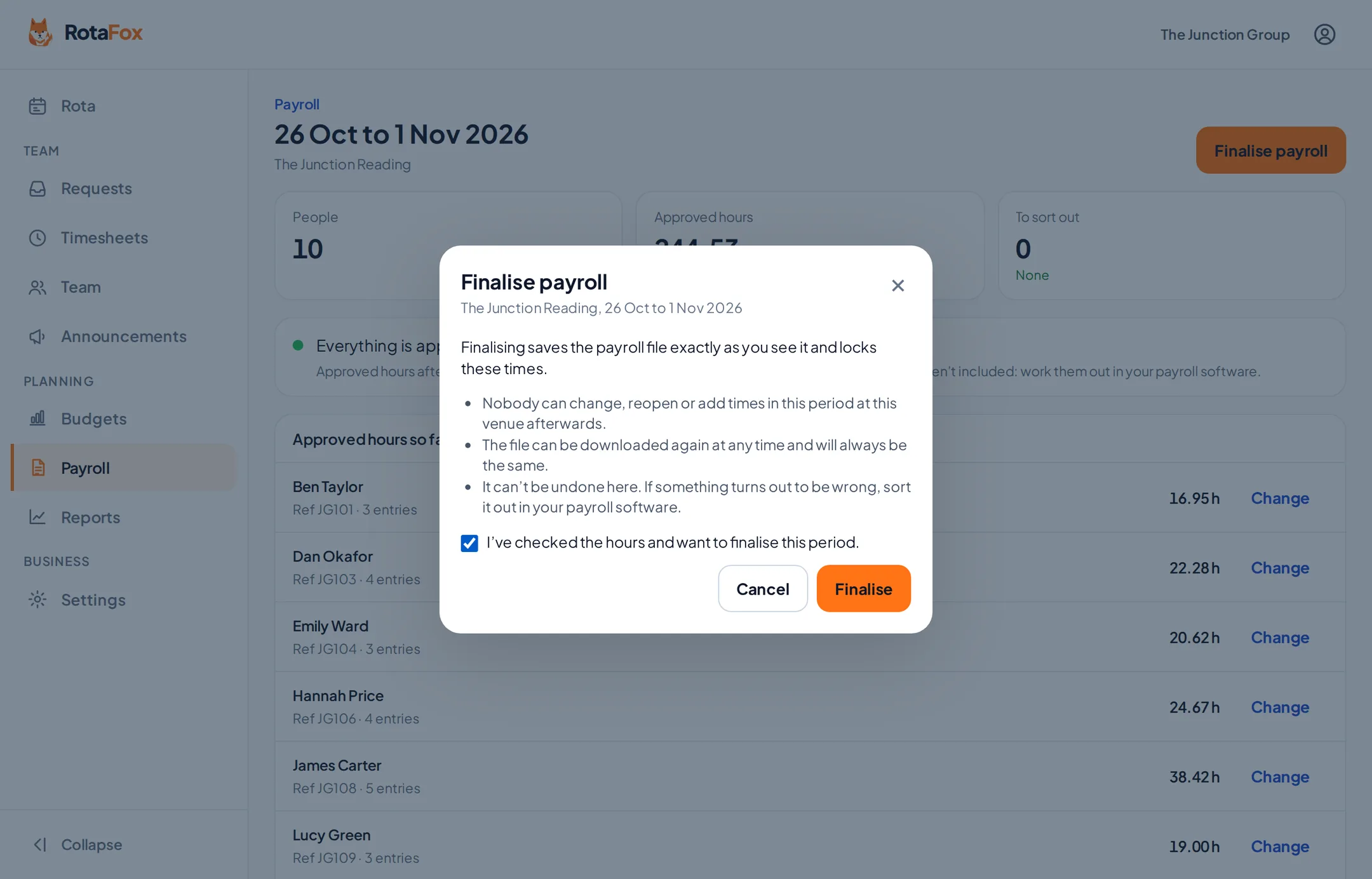
08
See how the week went
Reports compare the rota with the hours worked, flag late starts and early finishes, and show each venue side by side.
More about reports and insights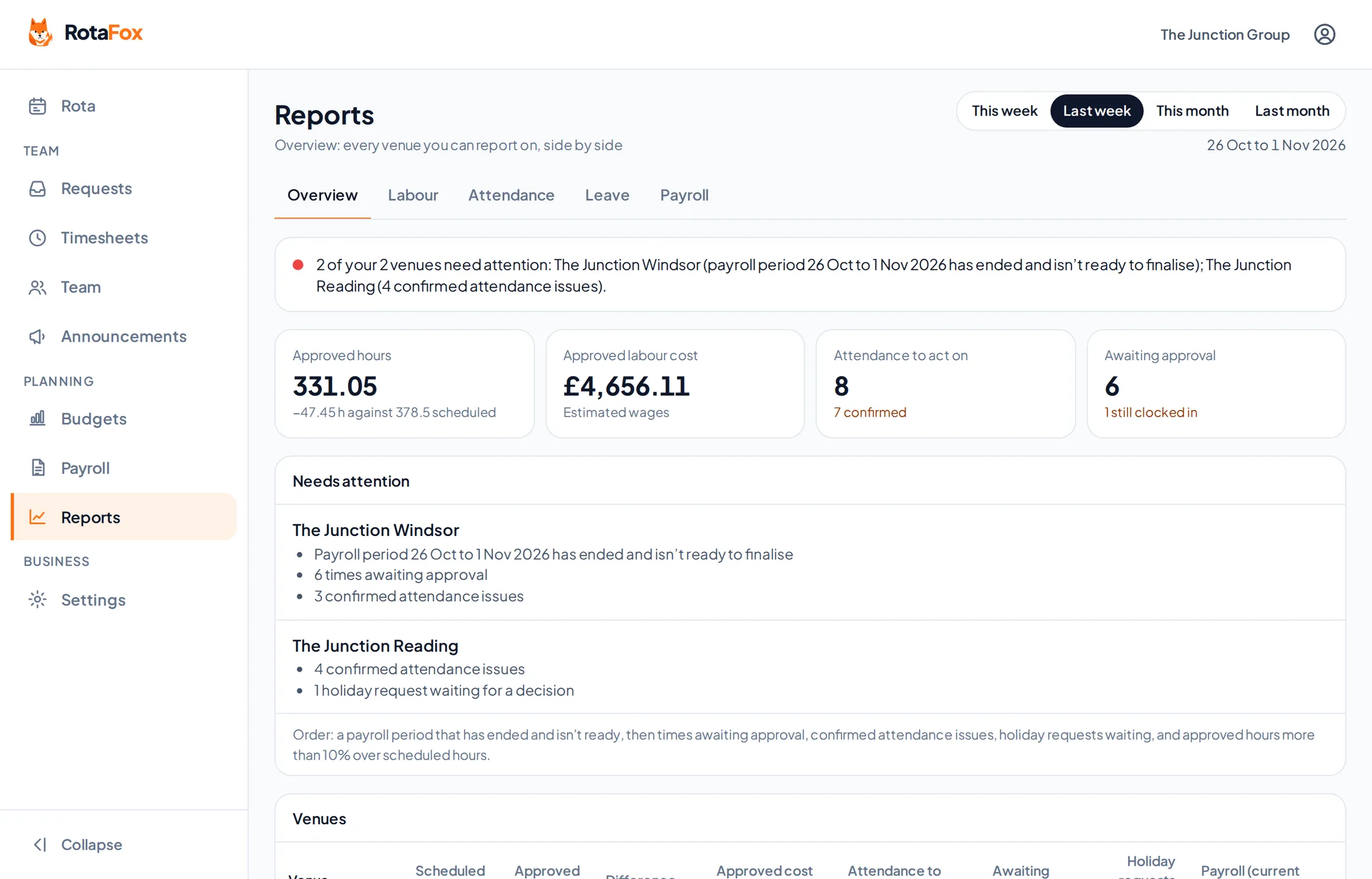
Your next rota could be the easiest one yet.
Less admin. Better control over wages. A happier team. That’s the RotaFox way.