Multi-site groups
Several venues. One place to run them.
Each venue has its own rota, team, budget and manager. You see across the group; your managers see what they need.
What it helps with
Access by venue
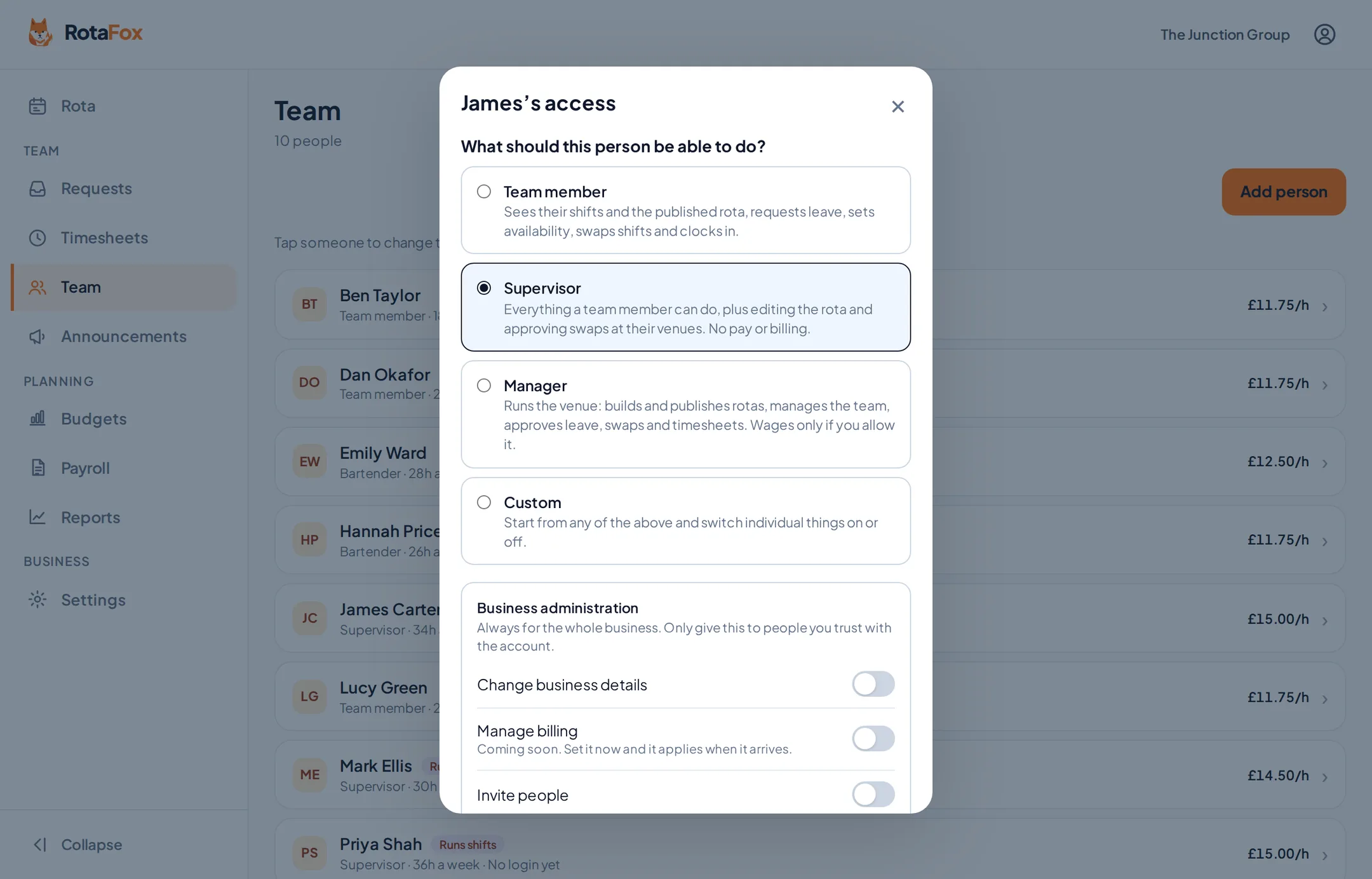
Give a manager access to one venue only, or to all of them. Choose from Team member, Supervisor and Manager, or switch individual permissions on and off.
A budget per venue
Set budgets for each venue, its departments, or the whole business.
Every change on record
Changes to rotas, pay, access and settings are recorded with who made them and when. Reports give you an overview across your venues.
Example: a group of three pubs
Add each pub as a venue with its own address and opening hours. Each manager runs their own rota and budget. Head office sees everything, and can send an announcement to one pub or all three.
Features multi-site groups use most
- Permissions and wage privacyStart from Team member, Supervisor or Manager, then switch individual permissions on or off in plain English, venue by venue.
- Reports and insightsReports turn your rotas, clocking in and approvals into the figures you need: hours and wages against the plan, who was late or left early, holiday taken and whether payroll is ready.
- Labour costs and budgetsSet a weekly or monthly wage budget and watch the rota measure up as you build it.
- Timesheets to payrollApprove the hours your team worked, check each payroll period is ready, then finalise it and download a CSV of approved hours per person to load into your payroll software..
Your next rota could be the easiest one yet.
Less admin. Better control over wages. A happier team. That’s the RotaFox way.