Clocking in and timesheets
Clocking in from a phone. Timesheets you can trust.
Your team clocks in and out, and takes breaks, from their phone. You see who’s in, fix mistakes with a reason, and approve hours before payroll.
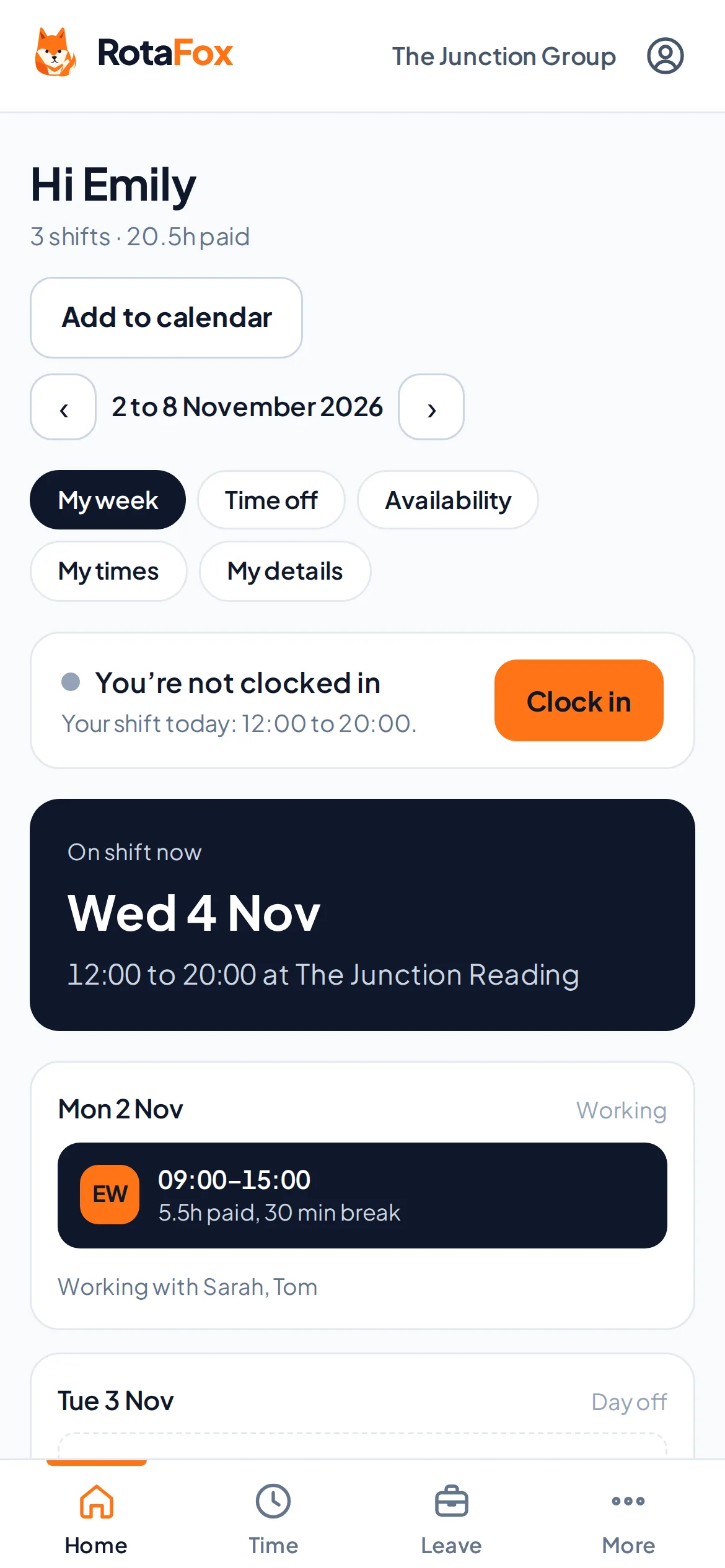
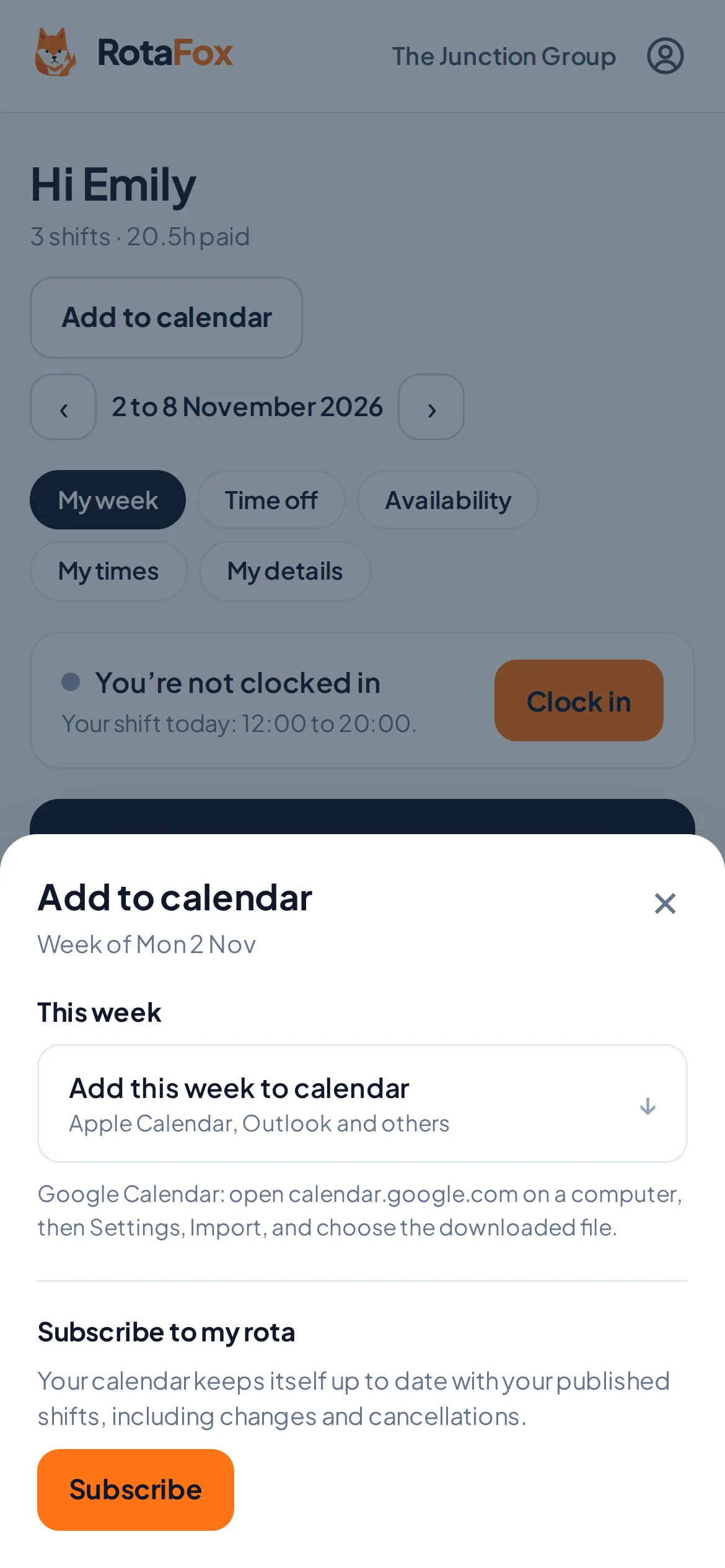
Simple for your team
One button to clock in, one for a break, one to clock out. Each person sees their own week, their next shift and what they’ve worked.
They can also add their published shifts to their own calendar, or subscribe with a private calendar link that updates when you publish changes. It only shows their own shifts, never pay or anyone else’s.
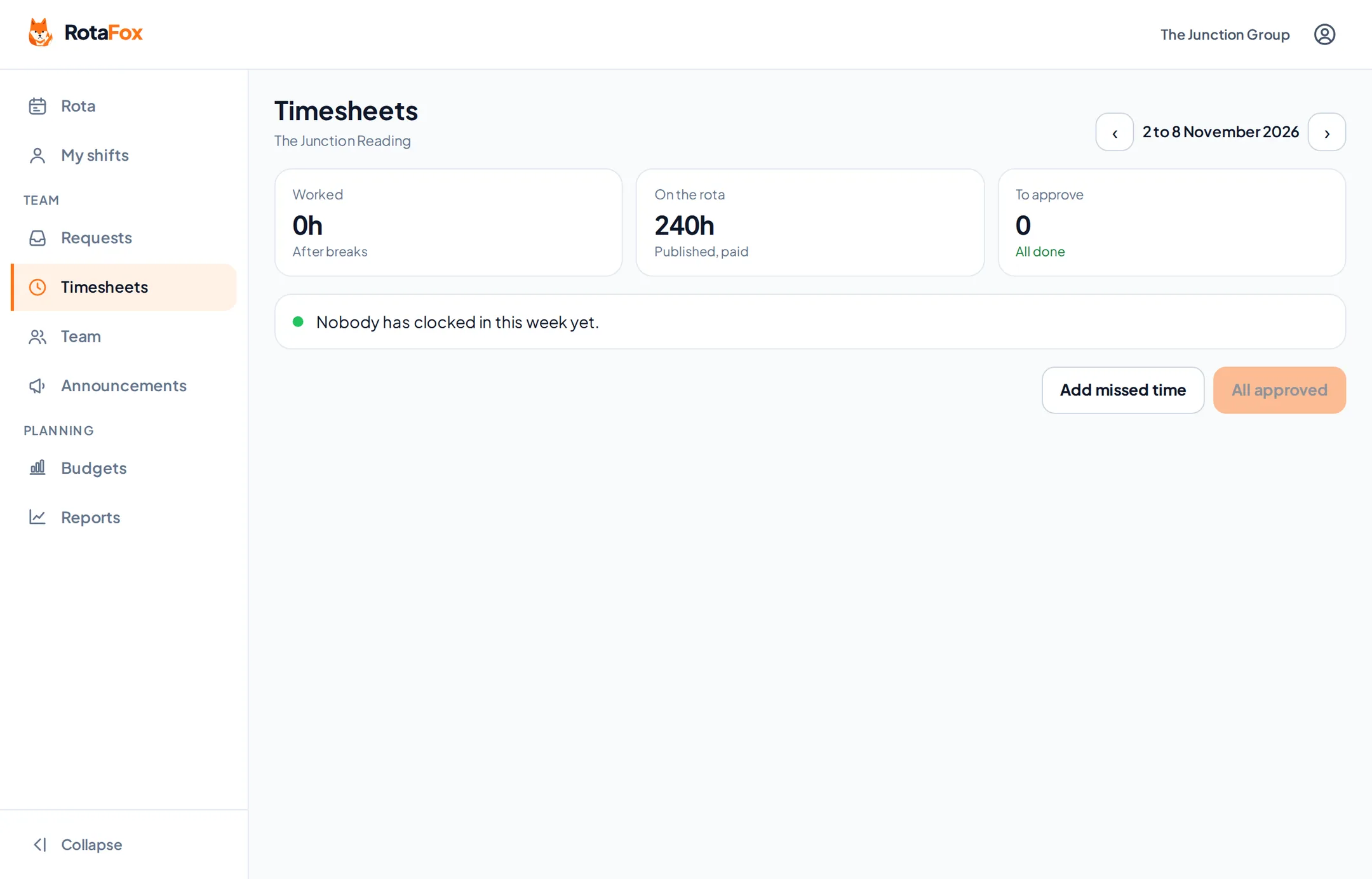
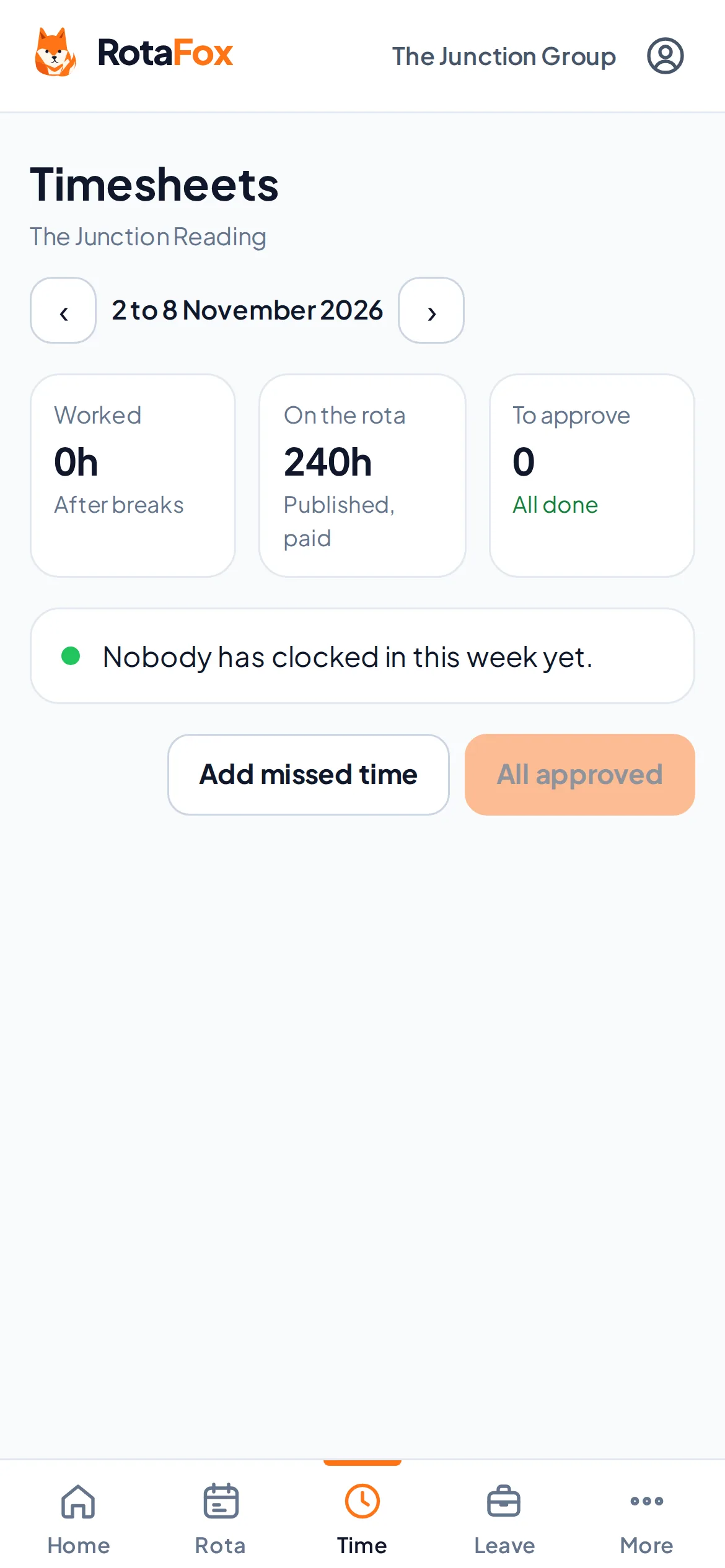
In control for managers
Timesheets show planned against worked time. Corrections keep the original times and need a reason, and nobody can approve their own hours.
- Who’s in right now
- Corrections with a reason, kept on record
- Approval before payroll
- Worked cost against your budget
Approved hours, ready for payroll
Set up a payroll period for a venue. Once every hour in it is approved, finalise the period and download a CSV file of approved hours per person to review and load into your payroll software. Finalised files are kept exactly as they were, and downloading one needs two-step verification.
RotaFox doesn’t run payroll or work out tax, and the file isn’t a direct Xero, Sage or QuickBooks integration.
Questions about clocking in and timesheets
Do staff need to download an app?
No. RotaFox works in the browser on any phone, and can be added to the home screen like an app. Dedicated iPhone and Android apps are planned.
Can I export timesheets for payroll?
Yes. Finalise a payroll period for a venue once its hours are approved, then download a CSV file of approved hours per person to load into your payroll software. It’s an hours file, not a payslip, and not a direct Xero, Sage or QuickBooks integration.
Related features
Your next rota could be the easiest one yet.
Less admin. Better control over wages. A happier team. That’s the RotaFox way.