Team announcements
Tell the team once, and see who has read it
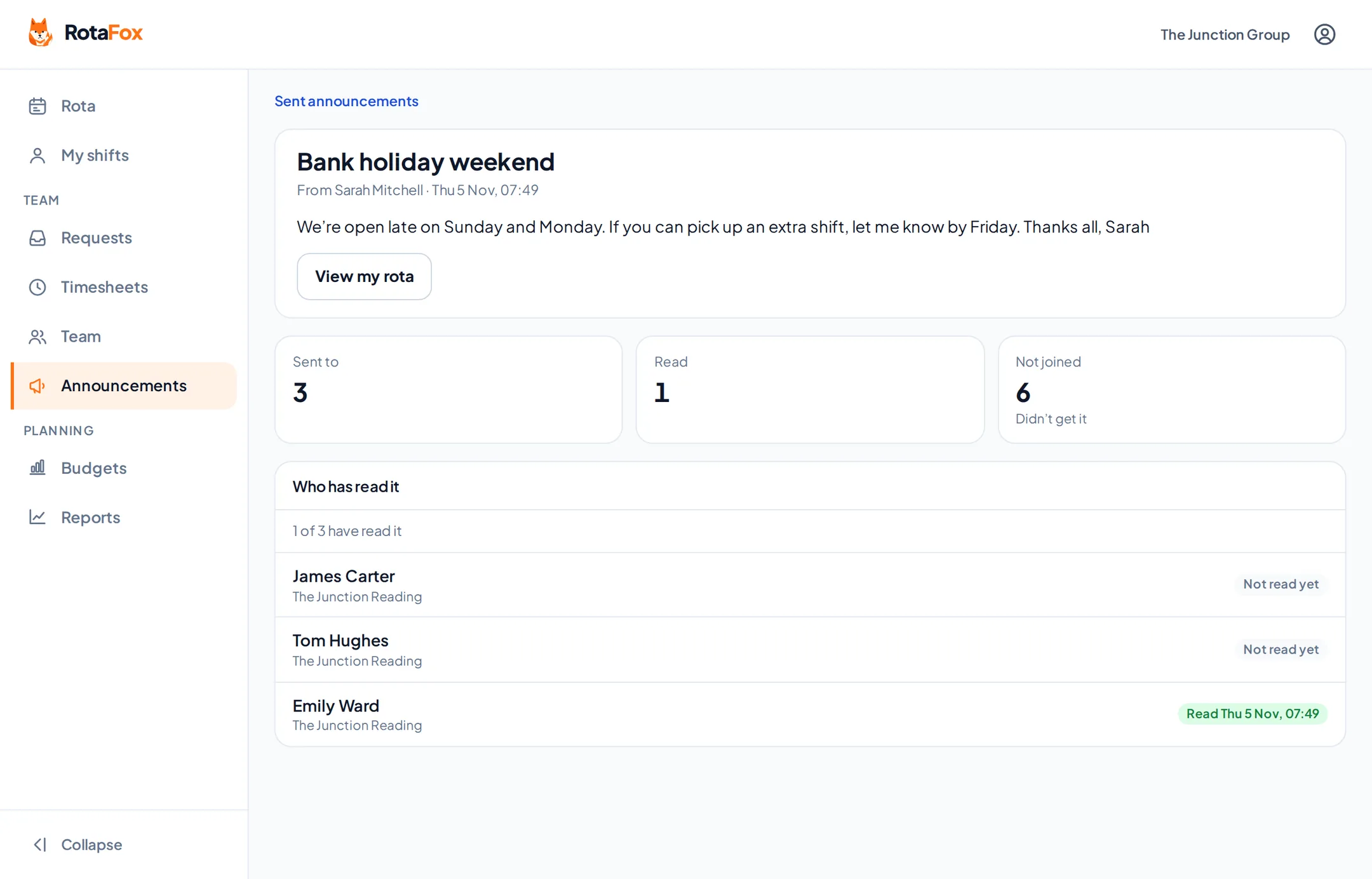
Write an announcement, choose everyone, a venue or chosen people, check who it will reach, and send. Your team reads it in RotaFox, and you can see who has read it.
How it works
Write it
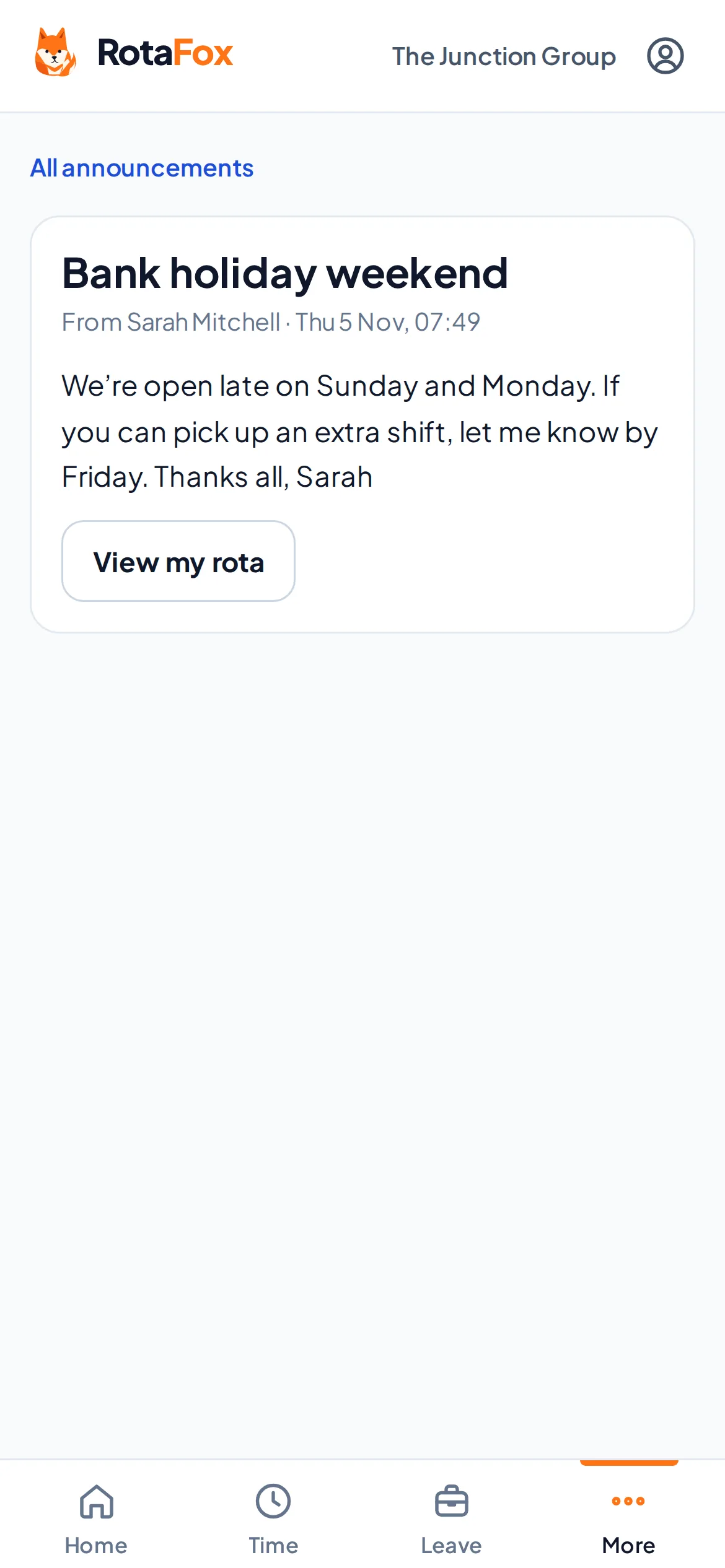
A title and a message, with an optional button such as “View my rota”.
Choose who gets it
Everyone, everyone at a venue, or people you pick by name. Nobody gets it twice.
Check, then send
See exactly who it will reach, and who hasn’t joined yet, before it goes.
See who has read it
Read receipts show who has opened it and who hasn’t.
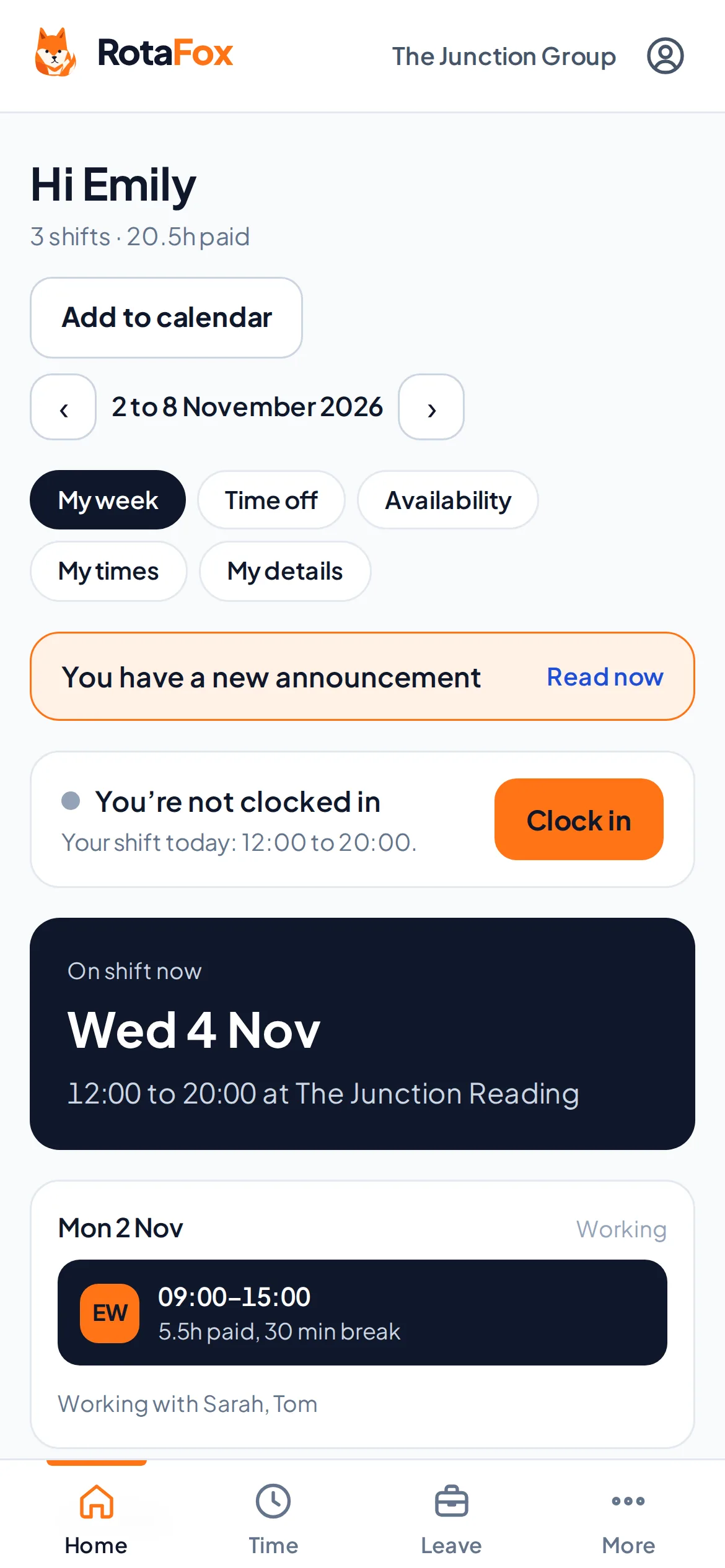
Hard to miss on their phone
A new announcement shows at the top of each person’s own week in RotaFox until they’ve read it, and stays in their announcements to look back on. It works in the browser on any phone.
Check before you send
Before anything goes out, you see who it will reach. People who haven’t accepted their invitation yet are listed separately, so you know who won’t see it.
- Everyone in the business
- Everyone at a venue
- Chosen people
- An optional button to a page
Questions about team announcements
Who can I send an announcement to?
Everyone, everyone at a venue, or people you choose by name. You can mix them, and nobody gets it twice.
Can I see who has read it?
Yes. Each announcement you send shows who has read it and who hasn’t.
How do staff see announcements?
In RotaFox, in the browser on any phone. A new announcement shows at the top of their week until they’ve read it. Dedicated iPhone and Android apps are planned.
Related features
Your next rota could be the easiest one yet.
Less admin. Better control over wages. A happier team. That’s the RotaFox way.